Flipped Classroom for Grad Students

We’re now almost half way through the semester. This means I am almost halfway through my experiment in using a flipped classroom with my graduate students. In all honesty, so far I’m loving the experience, even though there are things I’d do differently next time and kinks I still have to work out.

Flipped Classroom Love

Students do the reading for the flipped classroom

After a couple of rocky sessions where some of the students came unprepared and unable to complete the tasks, I’m now sure most of them are coming having done the reading (or at least having skimmed it–there’s too much reading. Not sure how to fix that yet). Having to apply the concepts immediately gives the reading a purpose.

Student engagement

One thing I’ve really loved is how engaged students have been. During activities in our flipped classroom they are discussing, planning, reflecting, and asking questions. They’re referring to class texts for reference the way I would want them to while planning in the field. I’ve even started to see debates and discussions about their in class lesson planning assignments.

I did a standard lecture just before Spring Break. It was terrible. Granted, it was on the one course topic I have never lectured on before and I was very nervous. I’ll concede that this might not have been me at my best. At one point during the lecture I looked out to blank stares. It felt awful. The only reason I hadn’t changed it was because it was an extremely busy week and I couldn’t make the time. I knew it would be better and I should have trusted my instincts.

Checking for Understanding

Checking for understanding has become much easier. Because students are getting a video where I model or describe a process and then applying their new learning in a controlled setting (guided practice) in the classroom, I can really monitor what they’re doing and how well they are understanding the course concepts and how well they are able to implement skills. I can also monitor growth. For example, every assignment involves crafting objectives. With each assignment I can see their ability to create these objectives improving, and can then see that improvement transferring to their work in the reading clinic.

Flipped Classroom…meh…

Work Now, Reap the Benefits Later

Since this is my first time doing (or trying to do) a fully flipped classroom, there’s a lot of extra work. I need to choose different resources, make videos, create application assignments. All of that takes time. So. Much. Time. That means I don’t always have the time to make the video the level of quality I’d eventually like it to be. Or sometimes I don’t have the time to make a video at all. And the more I do, the better at it I get. However, that means I’m definitely remaking some of my earlier videos as I learn more about how to craft them and about what makes a good video (and even discover some tech tools I didn’t know existed!)

I’ve been teaching this course for what feels like forever. All the other changes I’ve made have been slow.  This has been fast and big. It’s been so much work and I feel like I’m barely keeping up. Classes feel better, but I don’t know if I can keep up the pace. There were two weeks where I sort of gave up and did my usual lecture. And I need to learn to be OK with that. I can’t do everything all at once.

Managing Time

I’ve been overly ambitious with my assignments. When I go back and revise them, I need to make sure that I think about how much time I actually have–after making announcements and checking in with students, and before they meet with supervisors. Not how much time is scheduled for the class. I also need to make sure I’m actually making announcements at the beginning of class instead of jumping in to things.

It’s easy to get into a rut

One thing I’ve noticed is that most of my assignments are the same. Instead of making assignments different, I’ve been making them all pretty similar. Probably because of time constraints.

Flipped Classroom: Will I do it again?

Yes. I’ve put in a lot of work, but it’s not just because of that. I’m really seeing the benefit for my students, and I’ll find out once I look at the results the midsemester evaluation form I sent out, if they feel the same way.


Flipped Classroom Mini-PLC

Image by DuEnLiJu; Creative Commons 1.0

This year I’m not in a classroom as much as I was last year. I’m not teaching a core content class, I’m only doing small group intervention. That means that I have more time to coach, but I still miss the classroom. A lot. So, when I went to a workshop about using flipped classroom methodologies along with mastery-based learning, I was really excited. But I was also really disappointed. Where could I possibly use this? Certainly not as a coach.

But then! A math teacher I work with, Robin, came to me with a problem: Her students had a wide range of abilities, and she had exhausted her toolkit of differentiation techniques and activities. We talked for a while about what she wanted her students to achieve, what she had tried already, and why she thought it wasn’t working. It came down to students being in very different places in terms of their content mastery. No matter what type of instruction Robin tried, someone always felt frustrated. Kids who got things quickly didn’t feel sufficiently challenged. The kids who struggled were overwhelmed by homework and needed more coaching and support to do things correctly. Jumping in and trying to put together a flipped classroom and looking at mastery learning seemed like a great idea.

Reading About the Flipped Classroom: Starting a Mini-PLC

Our first step was to do some research together. I had dabbled in using flipped classroom techniques, but had never done it fully. She had never done it before either. After some quality time with Google and looking through the resources that I had from the workshop, we settled on the book Flipped Learning for Math Instruction by Jonathan Bergman and Aaron Sams (ISTE, 2015). We each ordered a copy and agreed to read it over winter break.

If you are a math teacher and thinking about using the flipped classroom model, I can’t recommend this book highly enough. It is clear and concise, and gives plenty of real examples from classrooms. The book is organized in a helpful manner, taking a teacher through a logic progression of beginning to implement the flipped classroom model and all the way through extending the model to using it as a part of a mastery learning environment.

Taking The Next Steps for a Flipped Classroom

As Robin and I mapped out how she would implement the flipped classroom for math, I started thinking about how I could apply it to my own teaching. I’m still not sure if I can make it work for intervention, but I can try it out in my graduate class. So we’re trying it out together and supporting each other along the way. I’m excited to work together with Robin, even though we’re implementing the flipped classroom model in vastly different settings!

Gamification for My Writing Instruction

Gamification in the writing classroom: Level Up!

I had a problem this year.

My 5th graders:

  1. Hated to write;
  2. Hated to actually follow the writing process even more than they hated to write;
  3. All had writing goals.

What’s an intervention teacher to do?

If you’ve been reading this blog, you know I’m a huge fan of SRSD for writing instruction. It’s research validated. It’s easy to transfer. It’s easy to blend into almost any curriculum. It’s scalable. What more could you want from your instructional method? The problem was, even if I was jumping up and down trying to build excitement for the genre and trying to engage them in the writing process, they wanted to just get writing over with. They hadn’t learned the value of planning, and really didn’t want slow down in order to do it. And then it clicked: Gamification and SRSD are a match made in heaven. In her book Reality is Broken (2011), Jane McGonigal defines games as having four major characteristics: a goal, rules, a feedback system, and voluntary participation. It occurred to me that I had at least two with SRSD, and could easily weave in the others.

Gamification: What I Had

Goal

McGonigal defines a goal as an outcome that players want to achieve. That goal should be specific in order to provide a purpose for the game players (p 27). SRSD involves setting personal goals, but also the teacher setting a goal for her or his based on a preassessment. We know what the outcome is, and even have models that can show us where we need to go. Goals focus players’ attention in a game (McGonigal, p 27), just like I wanted to continually refocus and reorient my students toward the ultimate goal: a well crafted piece of writing. I also wanted them to make the connection that each step of the writing process was moving us toward our final goal and each part was equally important.

Feedback System

SRSD already has an excellent feedback system. Teachers create quantified rubrics with really specific criteria for proficiency. These rubrics often focus on the final outcome, but can be about specific portions of the writing process. I had generally just used to rubric for the end product, but I realized after observing some lessons taught by my fantastic colleague and SRSD master, Pooja Patel, (seriously guys, she wrote book and runs amazing workshops–go to one!) that if I made quantified rubrics for each part of the writing process, I would be much more successful. I could give my students more frequent feedback on their work, and in the process would create a set of mini-goals (or, dare I say, quests) that the students could achieve on their way to meeting the main goal of writing a well-structured paragraph. This is how I could provide more motivation for my students, remind them that each step of the process was important, and, as McGonigal says, be a promise that the goal is achievable. Calling each step of the process a different level also helped the students to see that the end was achievable (like a progress bar).

Gamification: What I Sort Of Had

Rules

Rules, according to McGonigal, not only place limits on how players can achieve the goal, but also unleash creativity and foster strategic thinking (p 27). SRSD is meant to build strategic thinking around writing through self-monitoring and self-talk, and even though going through the writing process isn’t really a revolutionary idea, each step of the process (POWER) is clearly defined and needs to be done in order to achieve the goal. But was this really enough to, as McGonigal says, “push players to explore previously uncharted possibility spaces” (p 27)? I’m not sure. I suppose it all depends on how we define “previously uncharted.” Since my students were so reluctant to engage in the writing process, perhaps this work really did get them to previously uncharted spaces.

Gamification: What I Had to Work Out

Voluntary Participation

Voluntary participation means, basically, that everyone playing the game buy into the rules, the feedback, and the goal (McGonigal, p 27). This is really the major issue I had with my instruction. Students didn’t really buy into the rules–that planning and organizing were an important part of the process, that each step needed to be followed. And only some of them really bought into the goal. And the feedback, well, they frequently ignored it. Not because they didn’t care, and not because it wasn’t clear, but because I wasn’t catching them in the moment–the big feedback came at the end, not throughout the process.

In addition, my group had a lot of difficulty with self-regulation, both in and out of the writing classroom. Building their own self-talk and their belief that they could be successful with writing was a barrier both to their voluntary participation in writing, and to their engagement in the activities that would help them improve their writing and feel successful. It was challenging to engage them in this critical piece of the work we were doing with writing. I thought that crafting a gamified system that was motivating and visually appealing would help them engage in the process so that they could apply these self talk skills became my way to get voluntary participation. And, for the most part, it worked.

More about how it worked out in my next post.

Have you ever tried to gamify your instruction? Has gamification worked for you?

Leveraging 1:1 Laptops for Assistive Tech

Leveraging 1:1 Laptops for Assistive Tech

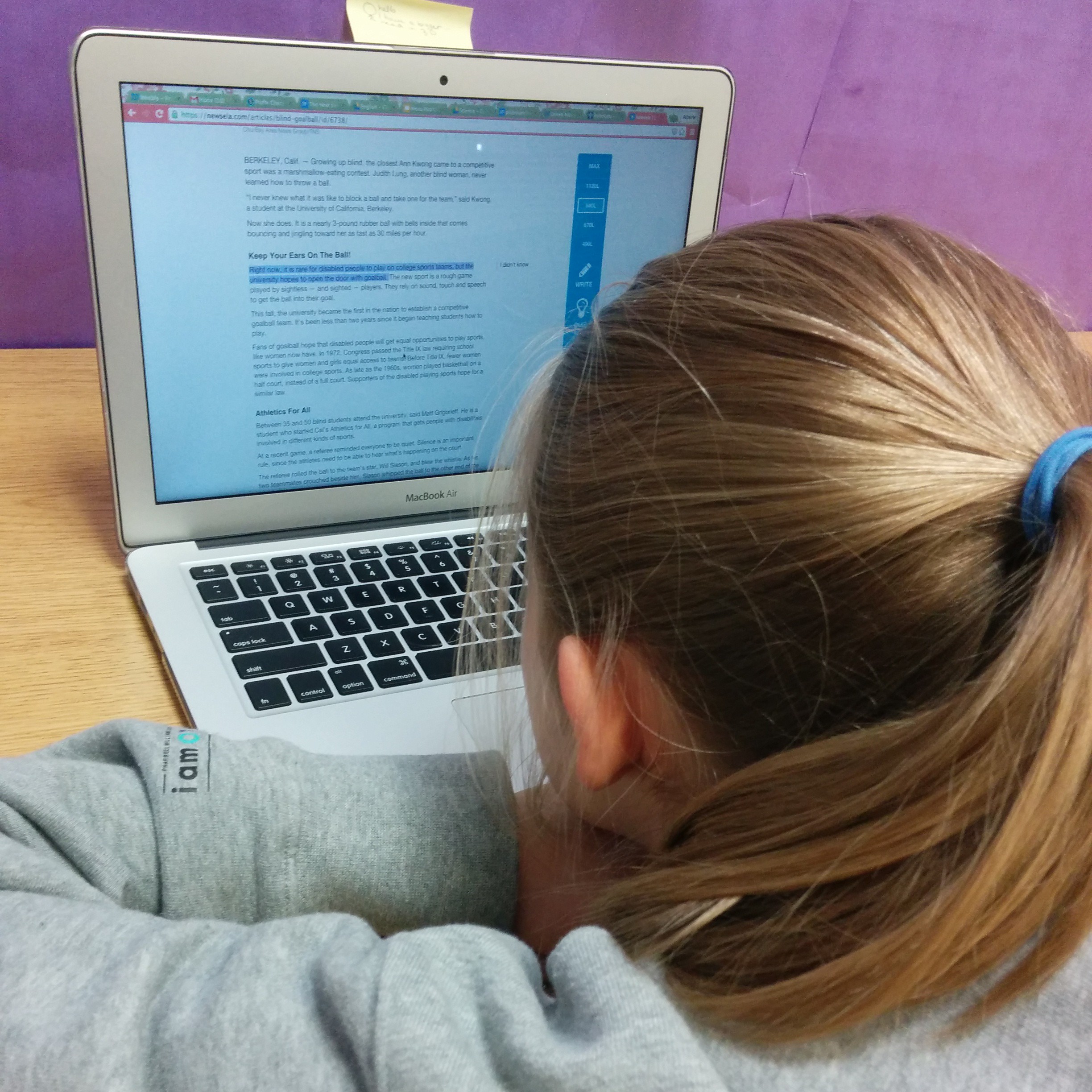
Assistive tech is a huge topic. We can find all sorts of solutions for students: “no-tech”, low-tech, or high-tech, ranging from free to prohibitively expensive. The best assistive tech tools, though, are the ones that students can transition with and that will lead to independence. In special education and intervention, our goals are almost always transfer and independence. When we start leveraging the technology and resources that are already in a student’s possession, we can encourage that transfer. I’ve found a number of tools that have worked well for my students (generally students with mild to moderate LD) that are either built-in accessibility features or free apps or plug-ins. So far they’ve been working really well for us. These are a few of the tools we’ve been using for reading and writing. In a future post I’ll talk about some organizational tools and some other accessibility features and apps.

(Note: These are just things that are currently working in my classroom. I’m getting no compensation of any kind from any of these programs. I’m just sharing what’s working of my students and for me right now)

Assistive Tech for Reading

There are two different options we’ve been using for text-to-speech in order to assist students who have reading difficulties. One is a Chrome plug-in called SpeakIt, and the other is just the accessibility feature found in Acrobat Reader.

Speak It

SpeakIt is a Chrome extension that reads text on websites, including within Google Drive. It’s free and easy to use. Students can easily customize the reading voice, which includes options that are much more natural sounding and more fluid than the ones available through the accessibility features within Chrome. It is also available as an iOS app as well. Students have really enjoyed using this app to help them access more difficult texts on websites that have been assigned for class reading, when doing research online, and, I think the best application we’ve found, to have their written work read back to them in Google Docs. This is actually a use that was discovered by a student. We had been talking about how important it is to read your own writing. Realizing that he often missed his own mistakes, this student decided that he would use the extension to have his computer read his writing to him, and then used what he heard to correct commonly confused words and other spelling and usage errors. It was pretty amazing. The one limitation of this extension is that it doesn’t read PDFs that are embedded into websites (like those on our school’s LMS), so those need to be downloaded and read to the student using Adobe Reader.

Acrobat Reader

The other program students have been using, Acrobat Reader, has accessibility features that will read the text of a PDF document (as long as it hasn’t been uploaded using a scanner or camera to PDF app). Students can have an entire document read to them, or select particular sections the voice is definitely not as natural sounding as the voices in SpeakIt, but it works. The only issue I can see is with reading academic texts. For example, one of my students used the text-to-speech function to help him read a textbook entry about the beginnings of Islam. The program had more than a little difficulty with non-English words, but the 7th grader I was working with had enough background knowledge from class to figure out that the pronunciations weren’t correct. It’s not as good as using a program like Kurzweil or Read & Write Gold, but it’s free and a great way to test out if this type of assistive tech will be useful for a student.

Assistive Tech for Writing

My students generally have pretty good keyboarding skills, and we’ve done a lot of work on organization and planning this year, but they really struggle with editing their own work, particularly when it comes to commonly confused words. While text-to-speech is quite helpful for many of them, speech-to-text is a bit too much support. As a group, my students have been very excited by the Chrome extension, Ginger.

Ginger

Ginger is not your typical spell checker. It looks for commonly confused words (like homophones or words with very similar spellings), and even makes suggestions for comma usage and grammar. It is a Chrome extension and can also be downloaded as a keyboard app for Android and iOS, as well as desktop version that integrates with Word. Unfortunately for us, it’s only available for PC in that form. I’ve found it to work much better than the spell-check that is integrated into Chrome. It has the option to correct one word in the sentence, the entire sentence, or ignore the suggestions. AND I can tell Ginger that, yes, my last name (or other words that I use frequently that spell-checkers don’t recognize, like “metacognitive” or “multisyllabic”) is indeed spelled correctly. And it will remember. Which is not just amazing for me, but also for my students who are from around the world and often have names that aren’t recognized by spell-check (and, being middle schoolers, are often offended by this). I also like that it highlights possible errors in blue, rather than with a red underline, which seems to make my kids anxious (especially if they experience a lot of difficulty with spelling). It’s not perfect, but I’ve found its suggestions to be much better than most. It’s great for when we’re working on our digital portfolios in Weebly. What’s not great is that it doesn’t seem to work within Google Drive. Students can copy and paste their text into a Ginger window, but most of my students aren’t going to take that step (mostly because they’re worried that they’ll accidentally delete the entire thing). I would love it even more if we could integrate it with one of the word processing programs (Word or Docs) that we already use.

What programs to you use to assist your students with reading and writing?